Make custom fonts and wordmarks with Type Works.
Shape letterforms, refine individual characters and turn your lettering into SVG artwork or static OTF and WOFF fonts. Type Works is a downloadable typography studio by Benanti Designs.
Preparing for release. Early adopter price $29 once, regular price $67. All future updates included.
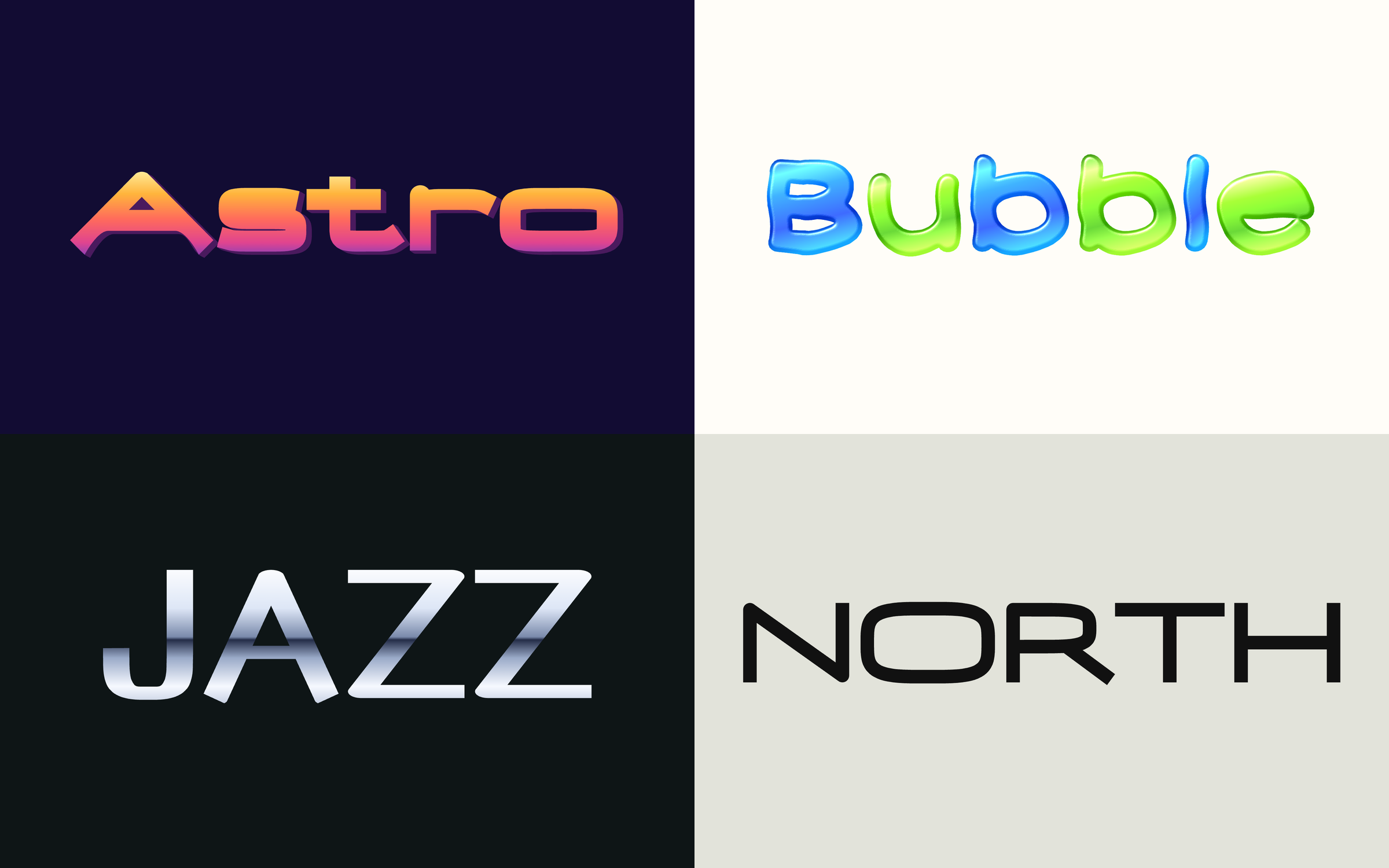
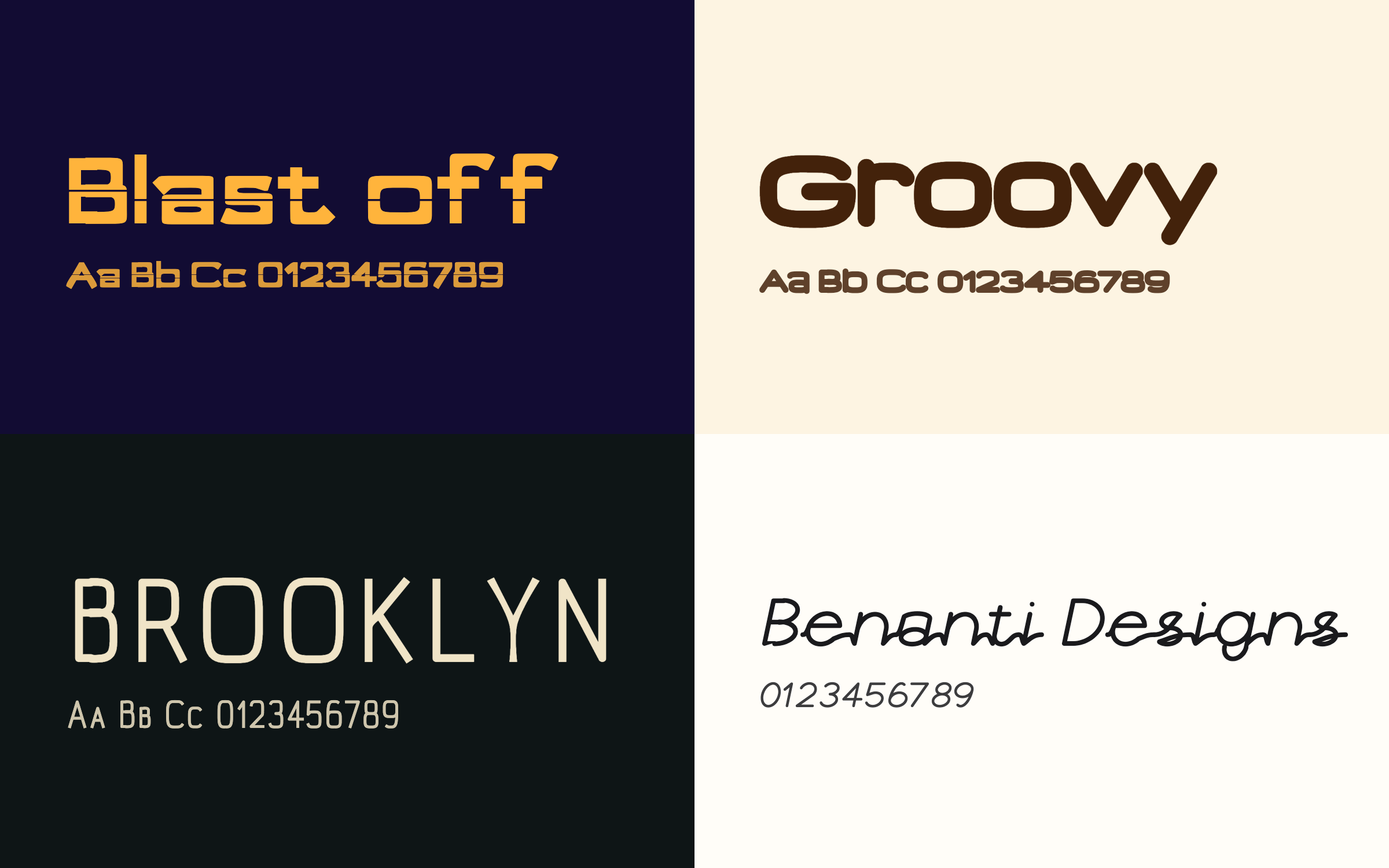
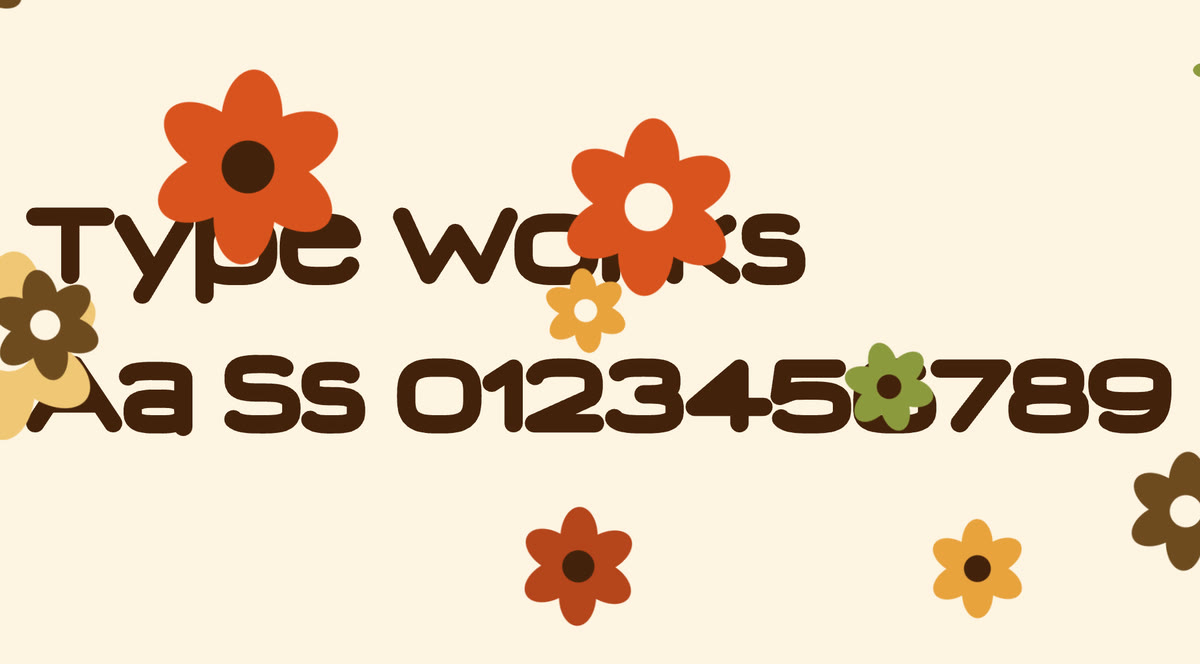
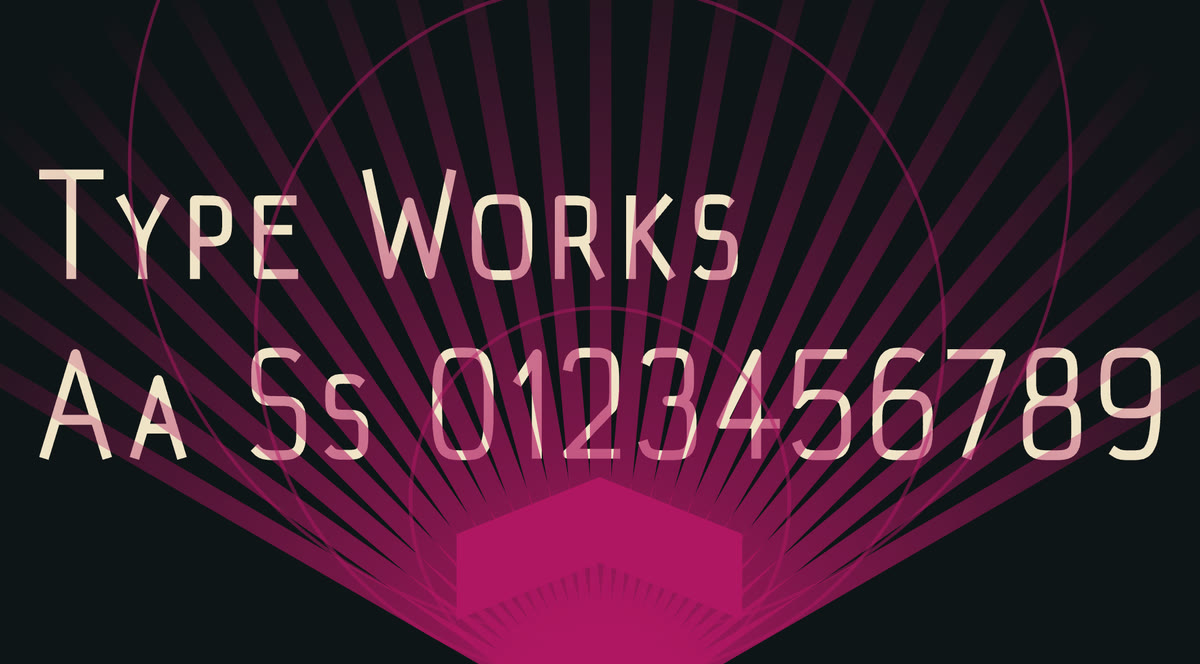
All eight are real exports from Type Works, made with eight presets that cover all six collections. The wordmarks are its SVG files, placed on a background color. The fonts are its OTF files, set in a browser. The backgrounds, the font colors and the layout were added for the pictures.
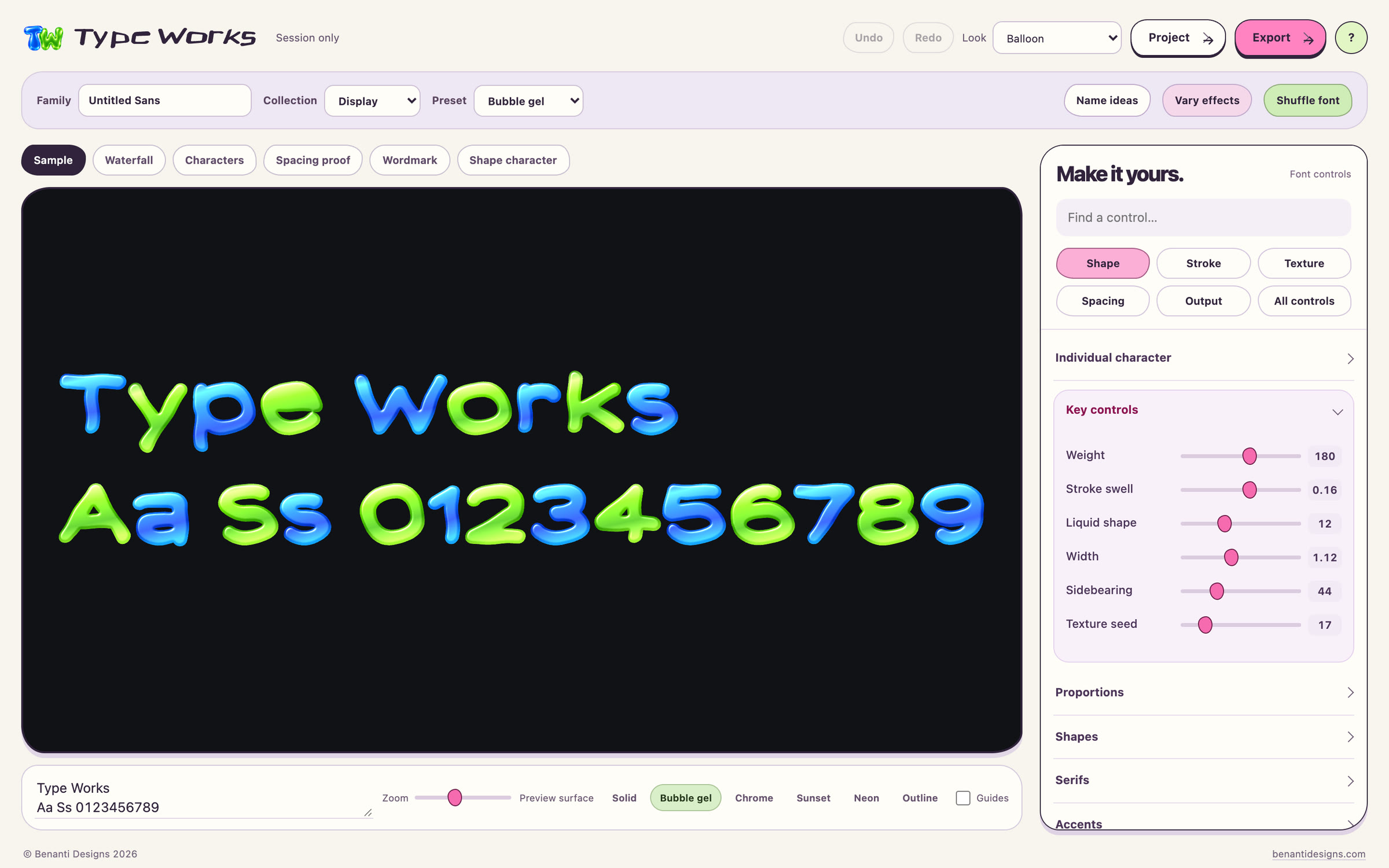
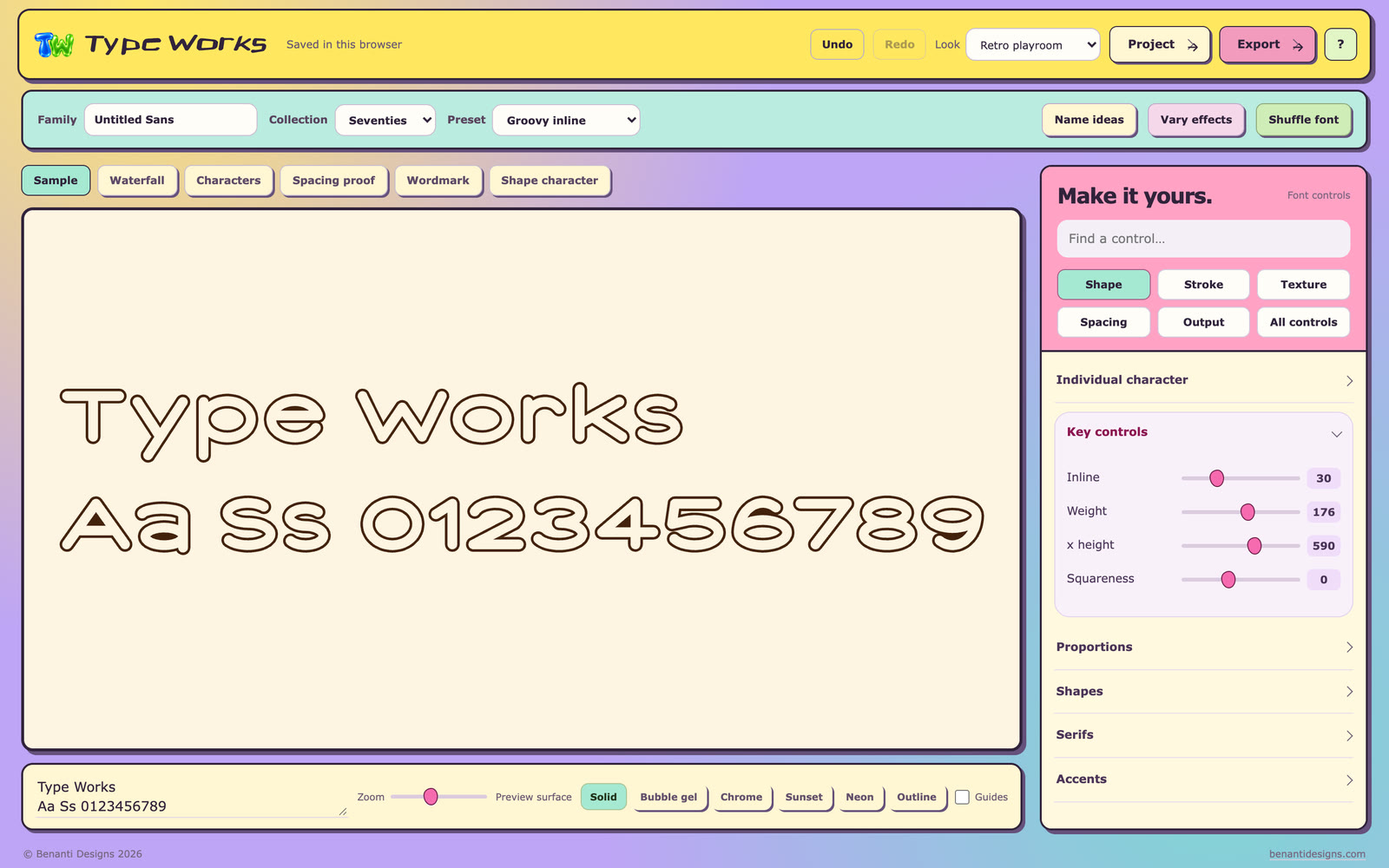
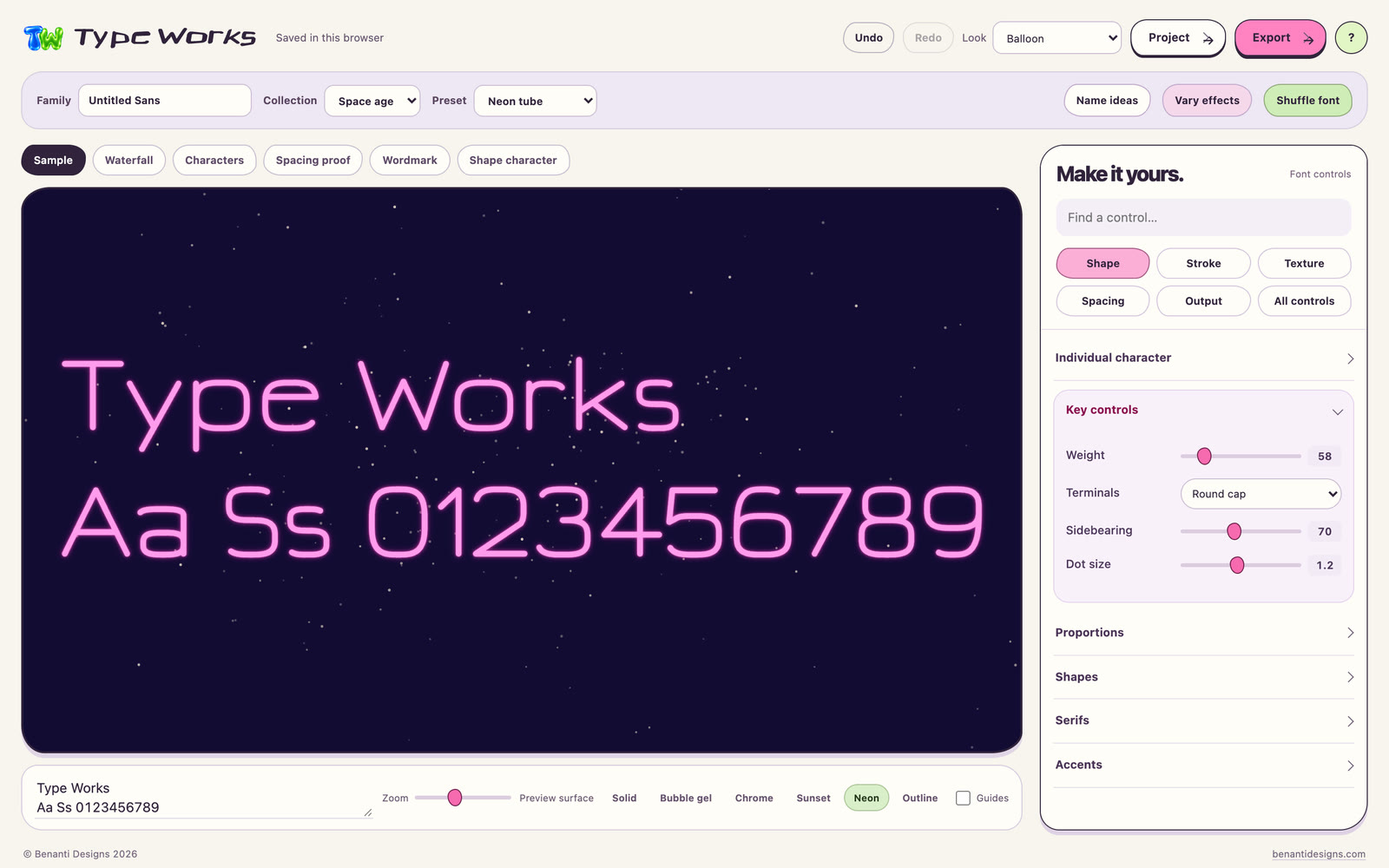
Every screenshot on this page is Type Works itself, with its status line hidden, in its Balloon look unless a caption names Retro playroom. The clip at the top is the app's Space age scene, captured frame by frame and cut to end on the warp.
-
01
Pick a collection
Choose Grotesk, Seventies, Space age, Bookish, Art deco or Display, then one of its presets. Type your word and the proof redraws as you go.
-
02
Shape the letters
Set weight, width and spacing for the whole set. Then move or warp a single character. Undo and Redo cover your edits.
-
03
Add texture
Pixel blocks, frayed edges, noise, dots, bumps, tilt or liquid. They change the letter shapes, so they carry into every export.
-
04
Export
Save a wordmark as SVG artwork, a font as a static OTF, or a package with a WOFF, CSS, a preview page, a specimen and the recipe.
Six collections, each with a scene
Each collection has its own presets, colors and a short scene that plays when you choose it.
- Grotesk, Seventies, Space age, Bookish, Art deco and Display
- 34 presets, each opening with its key controls
- Shuffle font and Vary effects to try something new
- Name ideas suggests family names in six moods
- The scenes are skipped when your system asks for less motion
Move and warp any character
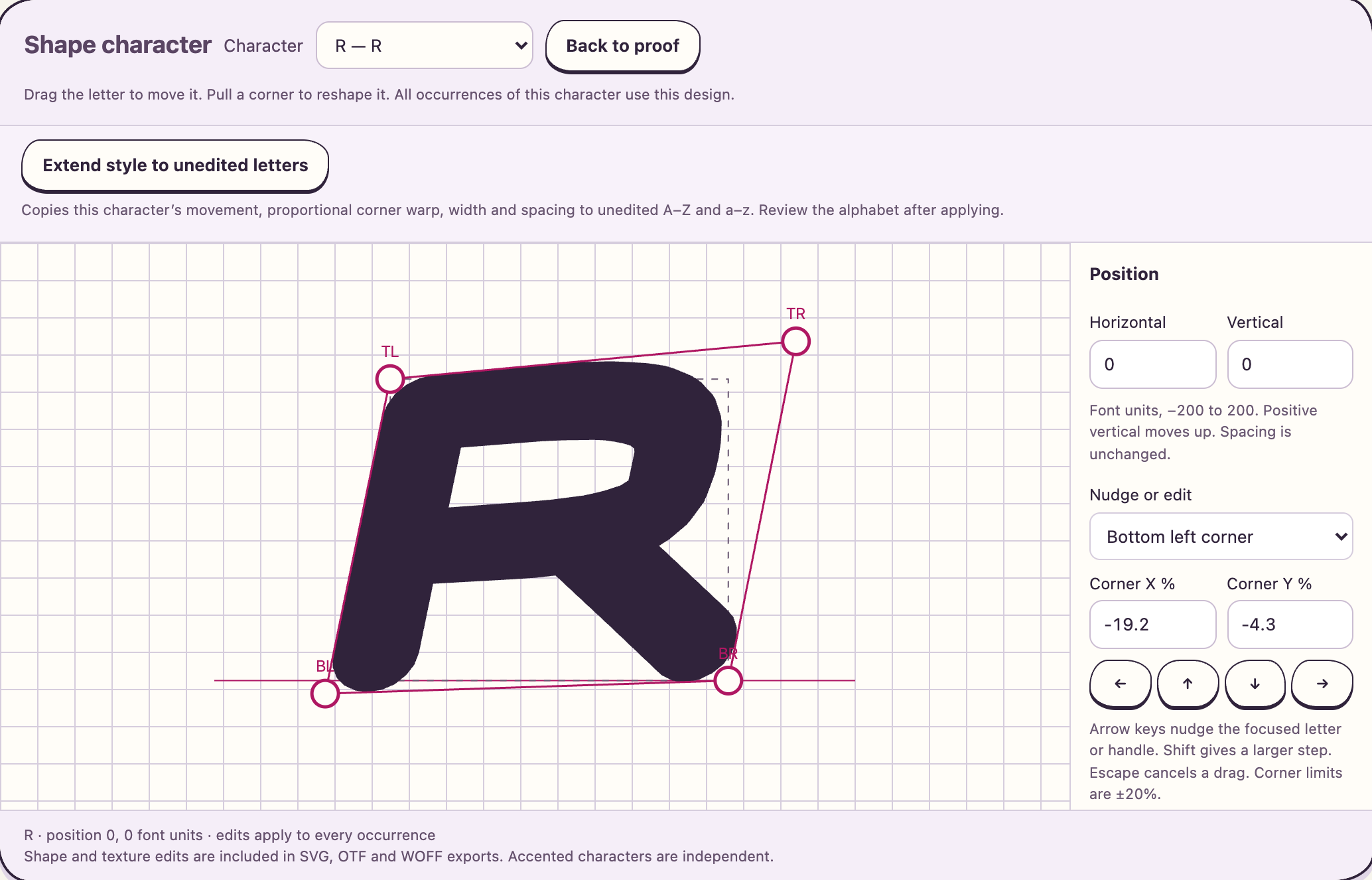
Open Shape character, drag the letter to move it, and pull a corner to reshape it.
- Moves of up to 200 font units in any direction
- Corners pull up to 20 percent
- Numeric fields and arrow key nudges for exact values
- Every occurrence of the letter shares the edit
- Accented letters stay independent
- Extend style copies the edit to unedited A to Z and a to z
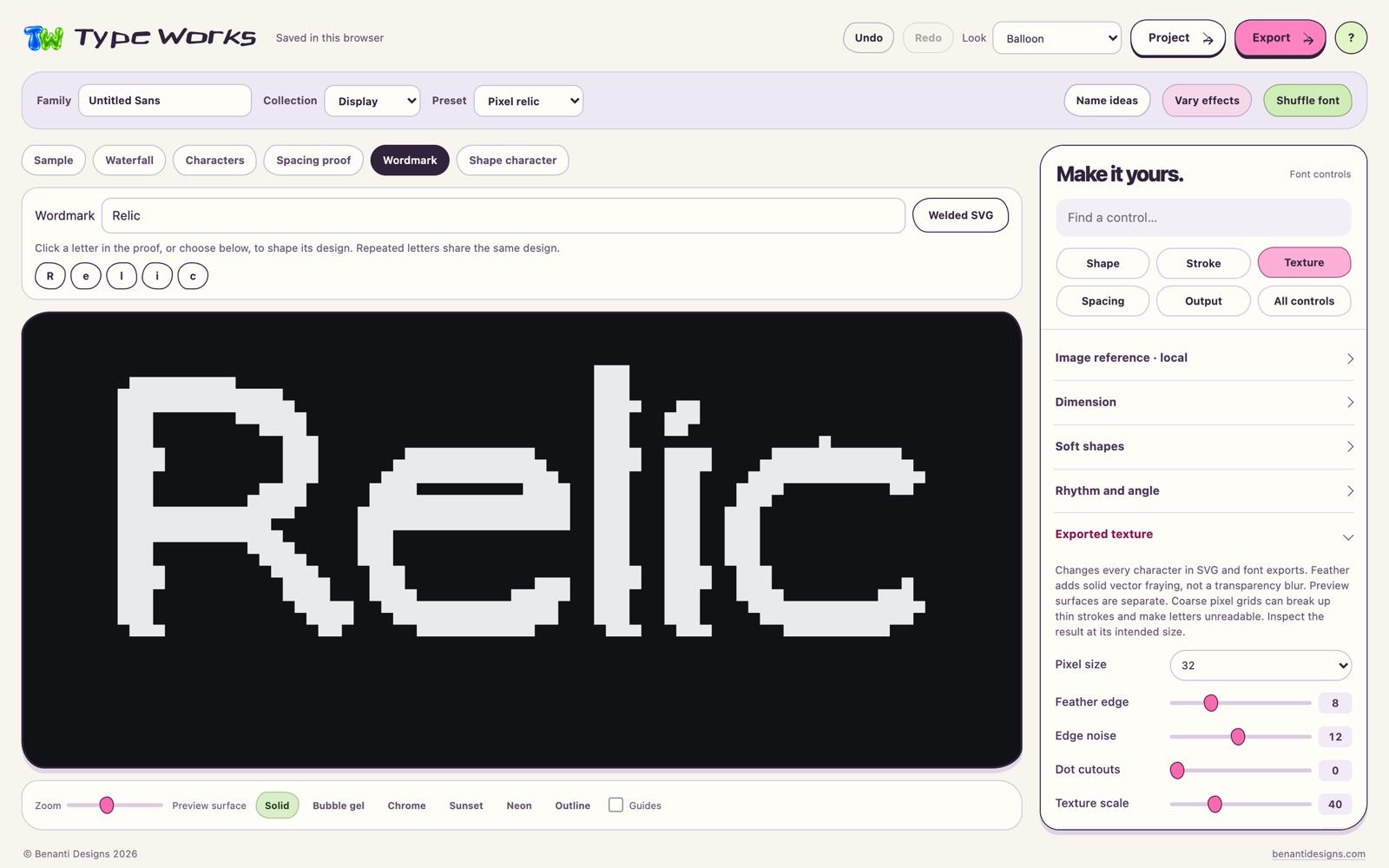
Texture that exports
Texture changes the letter shapes themselves, so it carries into SVG, OTF and WOFF.
- Pixel blocks at a grid size you choose
- Feather edge: a frayed solid outline, not a blur
- Edge noise and dot cutouts
- Rounded bumps, liquid shape, stagger and a three quarter tilt
- A texture seed repeats a result exactly
- Coarse grids can close small counters, so check at the size you will use
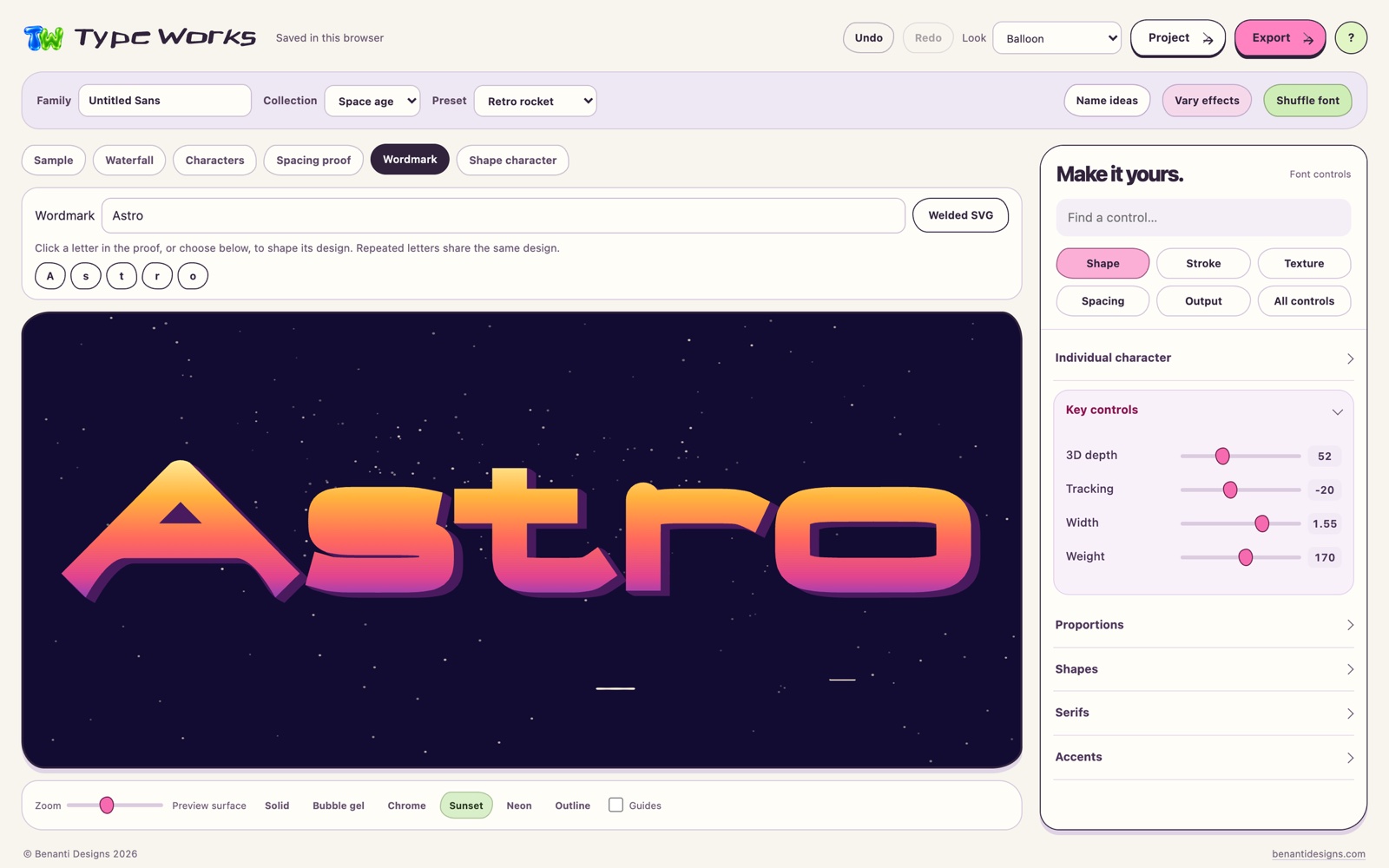
Wordmarks as SVG artwork
Type a word in the Wordmark tab and shape its letters one at a time.
- Click a letter to shape it
- Repeated letters share one design
- Export SVG keeps the Chrome, Sunset or Bubble gel finish
- Welded SVG gives solid outlines, with overlaps joined and counters kept
- Six preview surfaces: Solid, Bubble gel, Chrome, Sunset, Neon and Outline
- Font files keep solid letter shapes
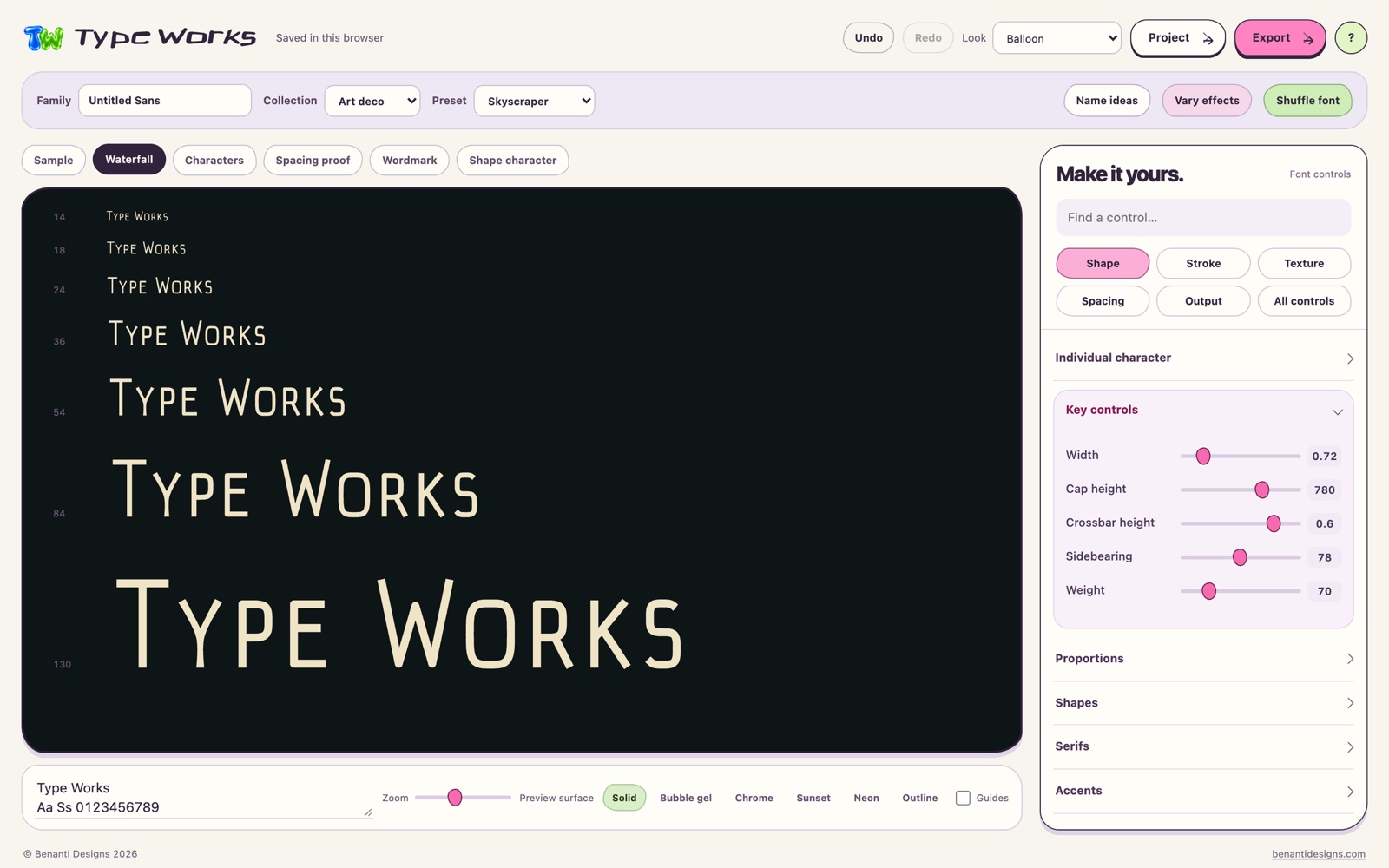
Fonts, packages and recipes
Export a static OTF, or a package with everything a job needs, and keep the recipe that made it.
- Export package: the OTF, a WOFF with CSS and a preview page, an SVG specimen, the recipe, a character list and install notes
- Capitals, lowercase, figures, punctuation, currency and accents for Western European, Central European and Turkish text
- Kerning measured from the outlines
- Designer, copyright and license details written into the font
- Save recipe, a library of up to 30, and share codes another copy of Type Works can open
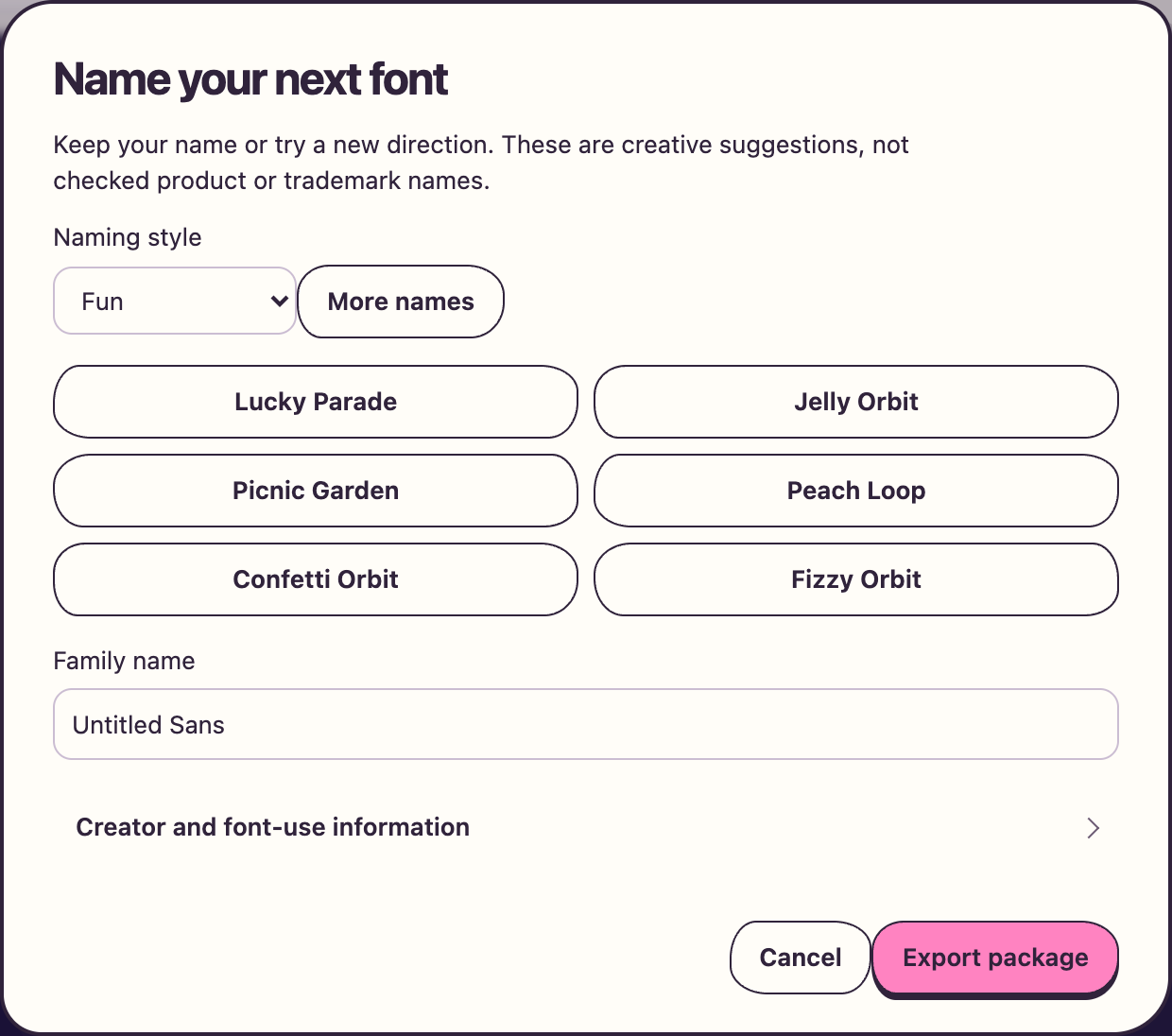
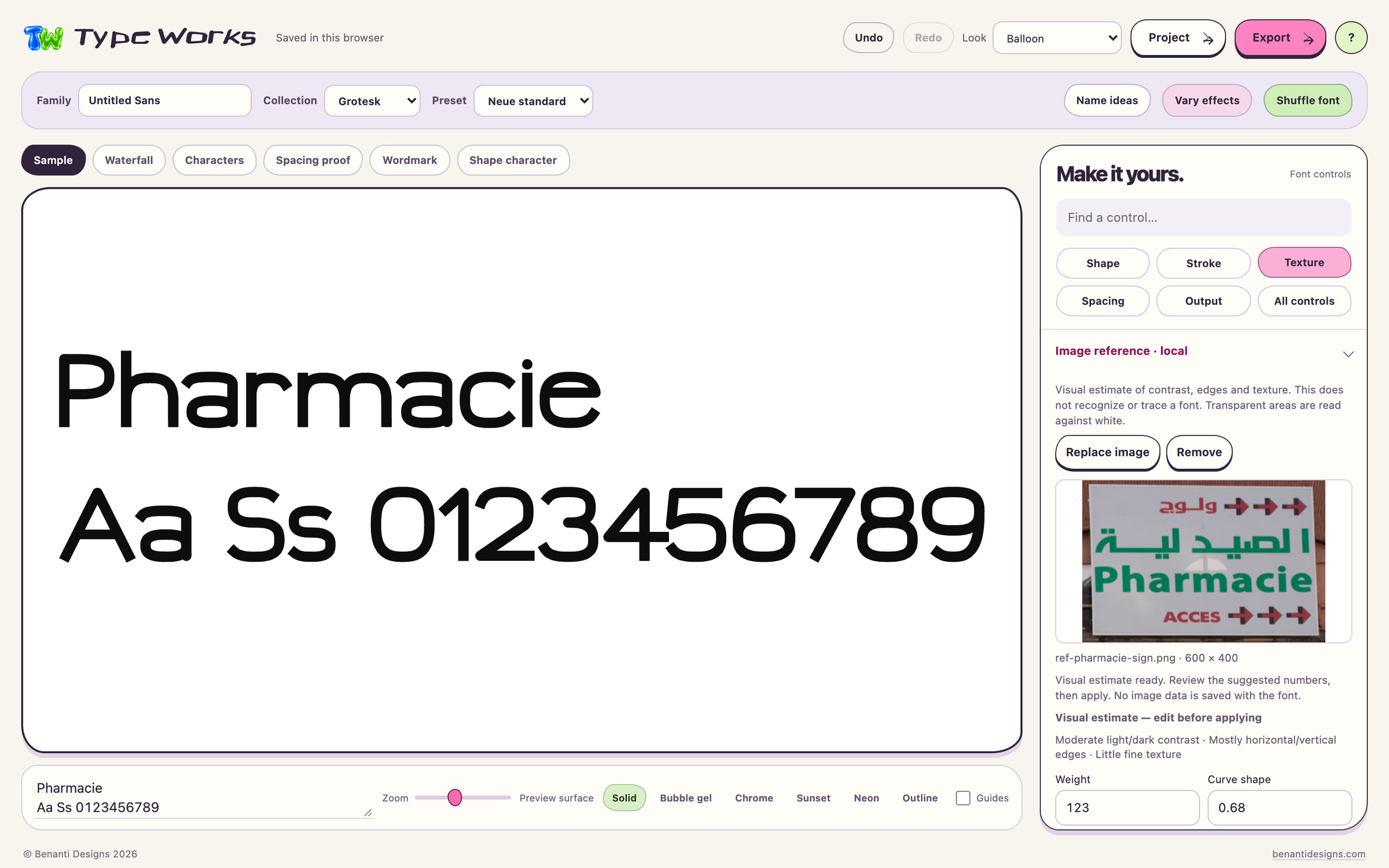
Suggestions from an image reference
Choose a picture of lettering you like. Type Works estimates its contrast, edges and texture, and suggests numbers you can edit before applying.
- PNG, JPEG or WebP, up to 10 MB and 16 megapixels
- Suggested numbers such as weight, curve shape and edge noise
- Applied in one step you can undo
- A visual estimate: it does not recognize or trace a font
- The image is not uploaded or saved with the font
Preparing for release.
Early adopter price $29 once, regular price $67. All future updates and major versions included.
Early adopters pay $29 once instead of $67, applicable taxes may apply. All future Type Works software updates and revisions, including major versions, are included free for the original purchaser. No subscription and no upgrade fee.
Type Works is not on sale yet. If you would like one note when it is released, leave your email and the studio will send a single release announcement to it, nothing else.
- What do you get?
- A single HTML file that is the whole app, opened in a desktop browser through its Open File command or by dragging the file in. No account, no project upload, no native installer, and nothing to run on a phone: this page works on your phone, the app is for a desktop browser. The download also includes the FORM, SLOW and NORTH recipes with their SVG outlines and example OTF fonts, a quickstart guide, the license, support notes and third party notices.
- What does it export?
- Outlined SVG artwork for wordmarks. Static OTF fonts and WOFF web fonts for type, or a package that adds CSS, a web preview, an outlined specimen and the recipe. Fonts are static CFF OpenType: no TTF, no variable fonts, no hinting. Fonts keep solid letter shapes. Export SVG keeps the Chrome, Sunset and Bubble gel finishes on any proof, Welded SVG gives solid outlines, and the Neon glow and the collection scenes stay on screen.
- Can I use what I make commercially?
- Yes, under the supplied license, which covers one named user per purchase. You can use your exported artwork and fonts in personal and commercial finished designs, embed your generated web fonts on websites, and hand the font files to your own project client for that project. Reselling or sharing the app itself, and selling exported fonts as standalone font products, bundles or libraries, are not included. Designs are not promised to be exclusive.
- How do updates work?
- Every future update and revision, including major versions, is included for the original purchaser at no extra charge, with no subscription, upgrade fee or cutoff. There is no automatic updater and no promised release schedule: when a release is made, you download it from your original order and open the new file. Keep your order reference and purchase email, and if an update is ever hard to reach, email the studio and it will be supplied at no charge.
- What are the limits of the image reference?
- It is a local estimate of contrast, edges and texture that turns into editable suggestions. It does not identify fonts, trace outlines or guarantee that a style will be reproduced, and it cannot read every image's subject. Your image is never uploaded and is not stored in recipes, share codes or exports.
- Where has it been tested?
- An earlier build was tested in Chromium on macOS through a local server, where exported fonts passed Font Book validation and rendered in TextEdit. Opening the downloaded file straight from disk, other browsers, Windows applications and phone hardware are still being verified before release. Heavy strokes or strong textures can close counters, so review the output in the application where you will use it.
- Questions?
- Write to JOSEPH@BENANTIDESIGNS.COM.